
DxO PureRAW 5 Review 2026: Noise Reduction for Gallery Prints
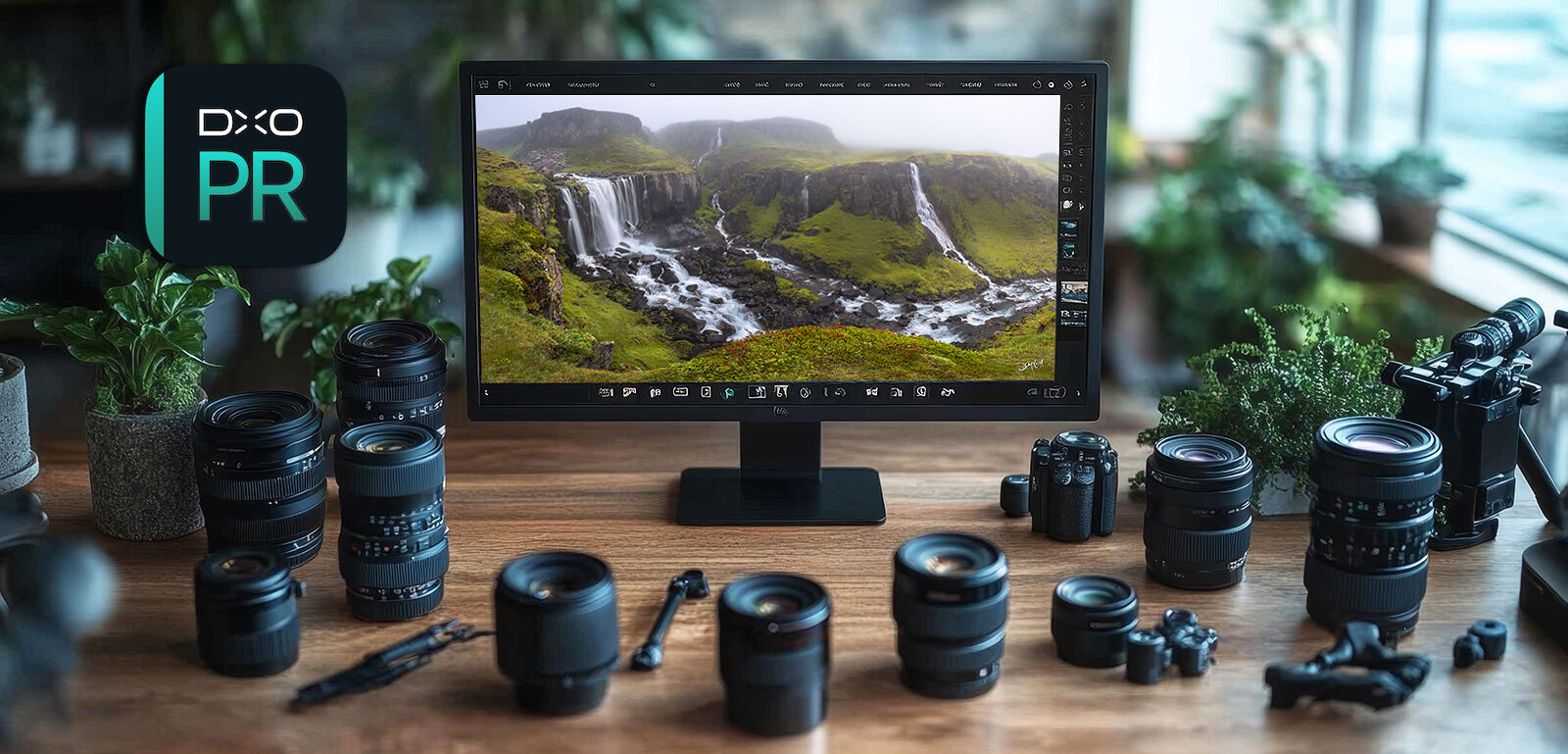
As a landscape photographer who sells gallery-quality fine art prints, I know firsthand how important clean image files are. Even the best DSLR or mirrorless cameras produce digital noise at higher ISOs, and while that noise might go unnoticed on a phone or small web image, it becomes glaringly obvious when you enlarge the photo for print.
This is why I use DxO PureRAW 5, an AI-powered noise reduction software for photographers. Unlike traditional editing tools, it processes RAW files before you begin editing, preserving fine detail while removing distracting noise. The result is sharper, cleaner, and more professional image files that hold up beautifully in large-format printing.
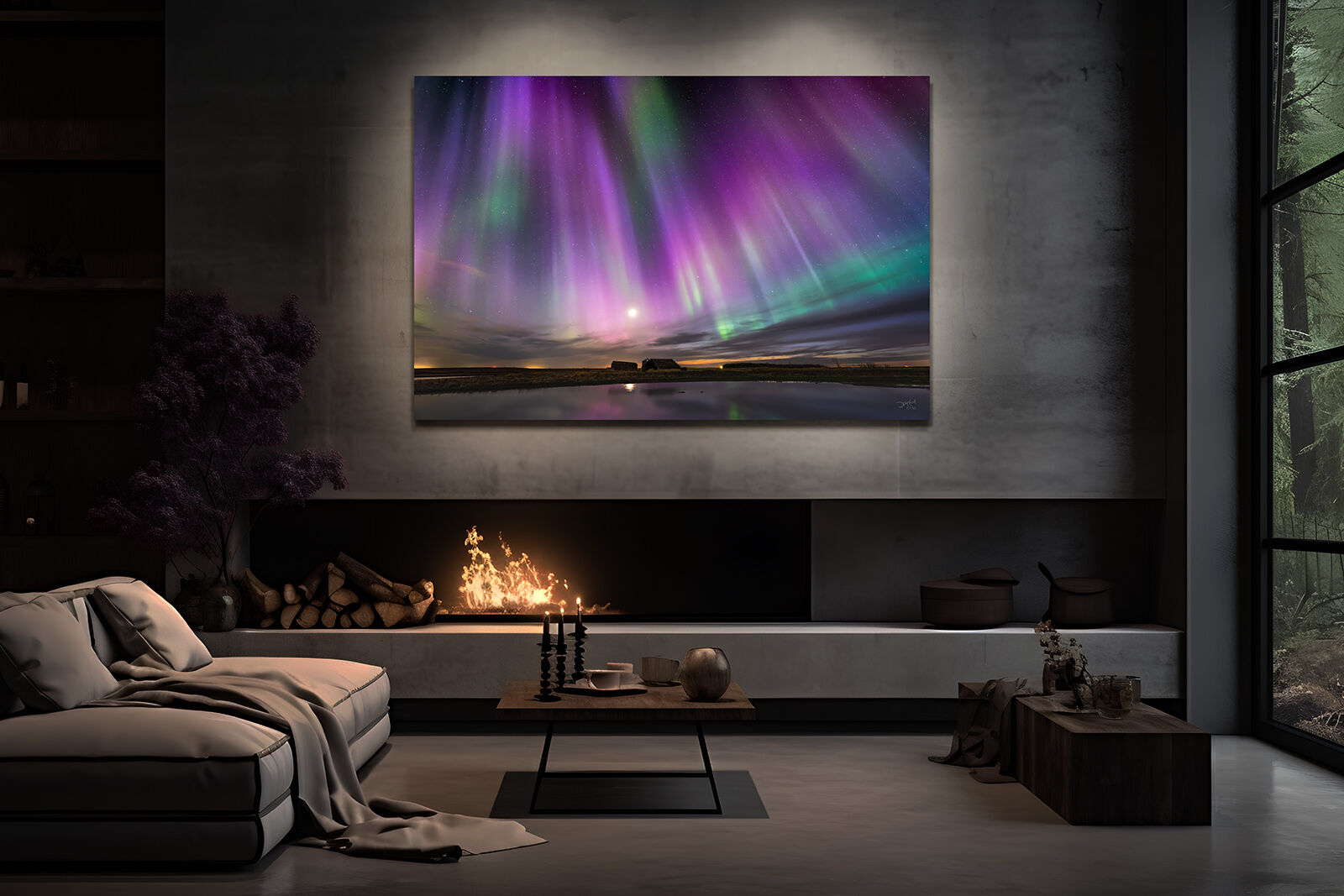
In this review, I’ll explain why noise reduction matters, what makes PureRAW different from other tools, and how it can elevate your images to gallery standards.
Why Digital Noise Hurts Print Quality in Photography
Every photographer eventually runs into digital noise, especially when shooting in low light at high ISOs. Noise shows up as grain, blotches of colour, or texture that doesn’t belong in the image. While it may be easy to overlook on a small screen, it becomes magnified in a large photographic print.
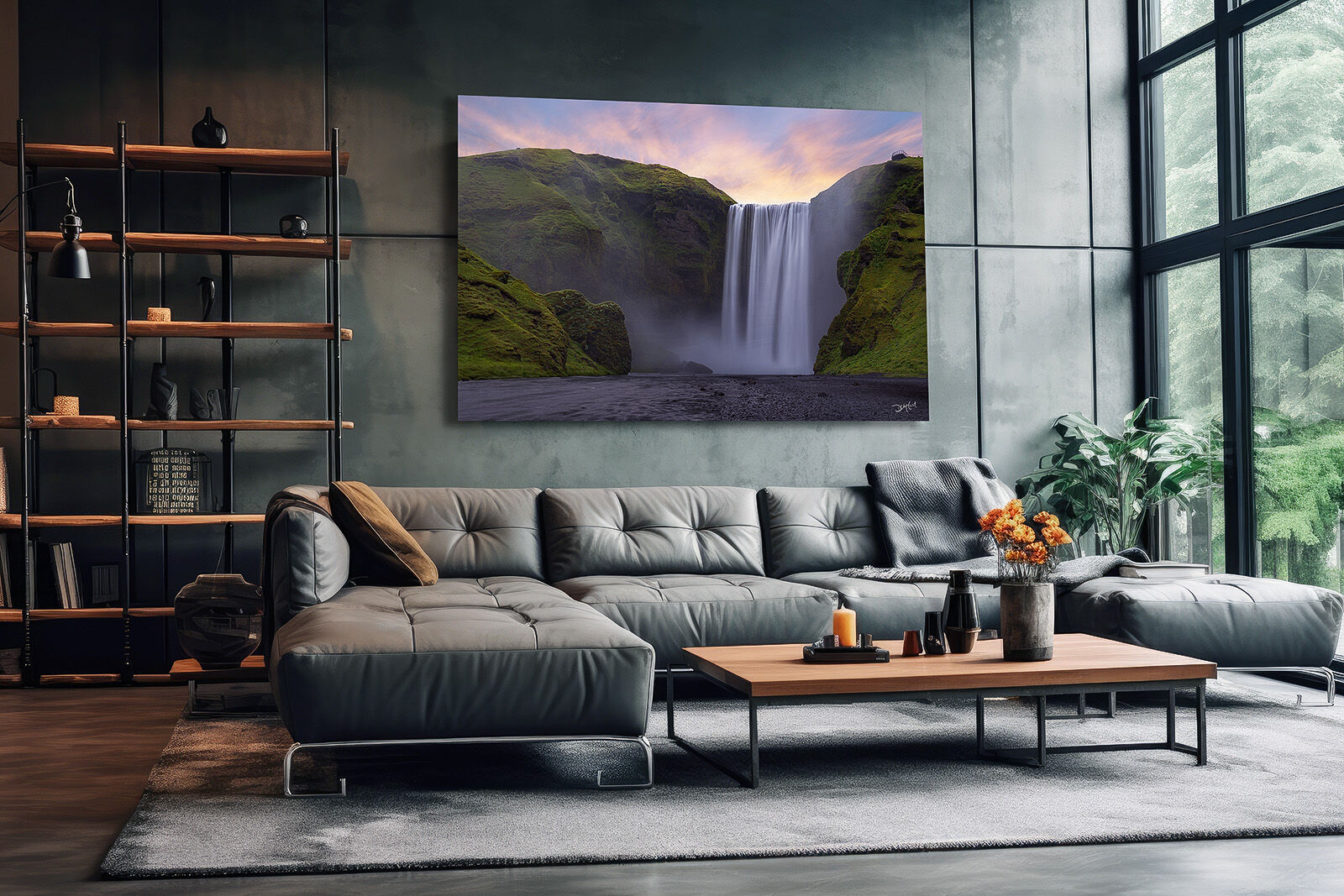
Most editing software includes some form of noise reduction, but the trade-off is often detail. Traditional tools blur edges and textures, leaving foliage looking “plastic” and skies unnaturally smooth. For fine art printing, where sharp detail and subtle tonal transitions matter, this trade-off is unacceptable.
In printmaking, every pixel counts. Clean files allow you to showcase fine textures in leaves, smooth gradients in skies, and natural shadow detail — the hallmarks of a professional gallery-quality print.
Trial and error has taught me that postponing noise reduction until the very end of editing is a mistake. By the time the typical image file has been stacked or merged with multiple adjustment layers, the noise essentially becomes 'baked into' your master file, making it extremely difficult or impossible to completely remove afterward.
DxO PureRAW 5 vs Other Noise Reduction Software
So what makes DxO PureRAW 5 different? Instead of working on an already edited file, PureRAW processes the data at the RAW level. It uses AI-based DeepPRIME 3 algorithms to separate real image detail from noise, giving you the cleanest possible digital negative to edit.
On top of noise reduction, PureRAW applies DxO’s vast library of camera and lens profiles, which correct distortion, reduce vignetting, sharpen edges, and enhance overall clarity. Unlike tools that blur textures, PureRAW preserves detail — whether it’s stars in the night sky, leaves on a tree, or fine fabric textures.
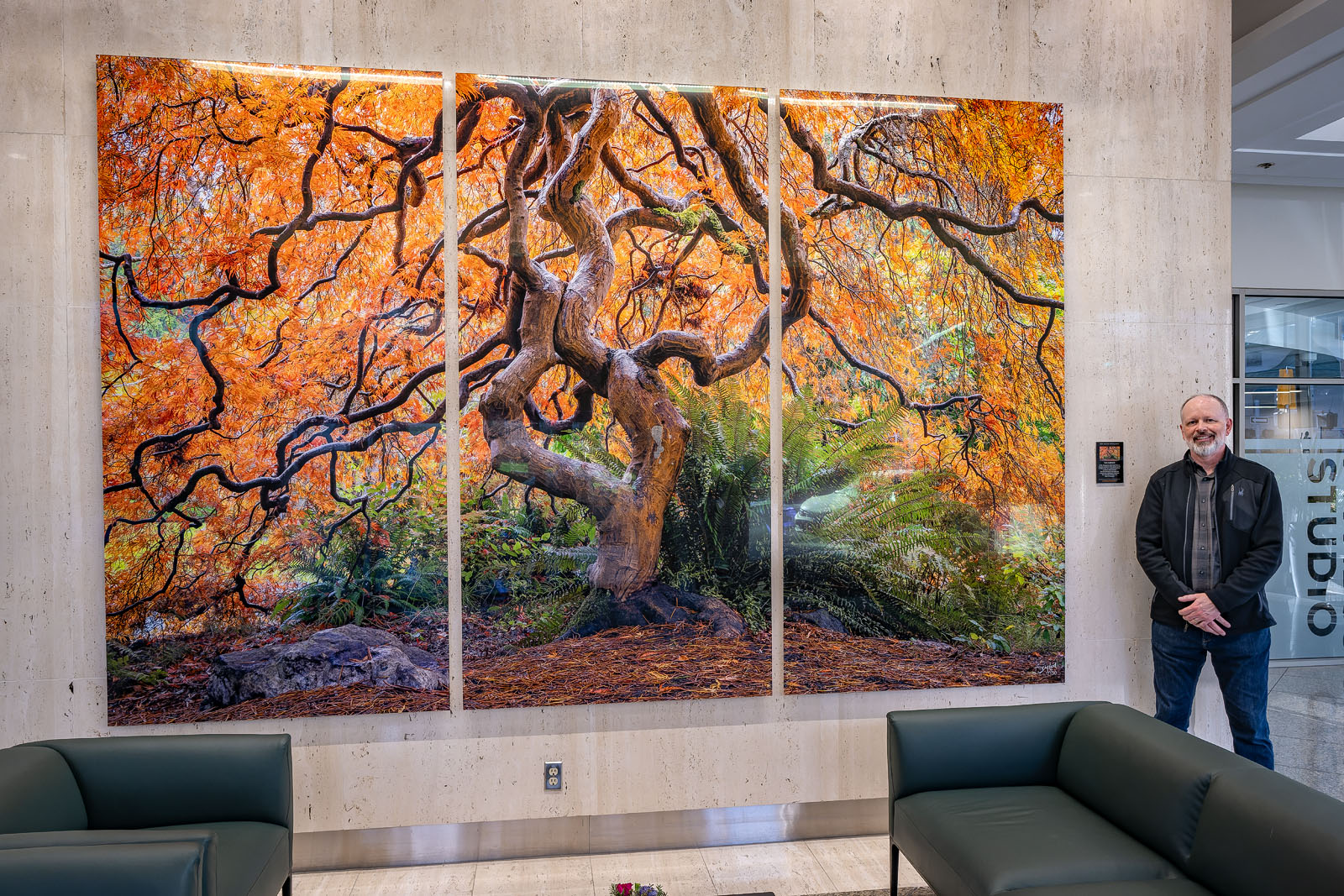
This combination of AI noise reduction and optical corrections sets it apart from competitors like Lightroom’s built-in noise reduction or Topaz DeNoise AI.
The result is a file that looks natural and lifelike, but with a level of cleanliness that other software simply struggles to match.
Why Noise Reduction Matters for Gallery-Quality Prints
When an image is enlarged for print, even the smallest imperfections become visible. Noise that’s barely noticeable on screen becomes distracting and unprofessional when displayed as wall art.
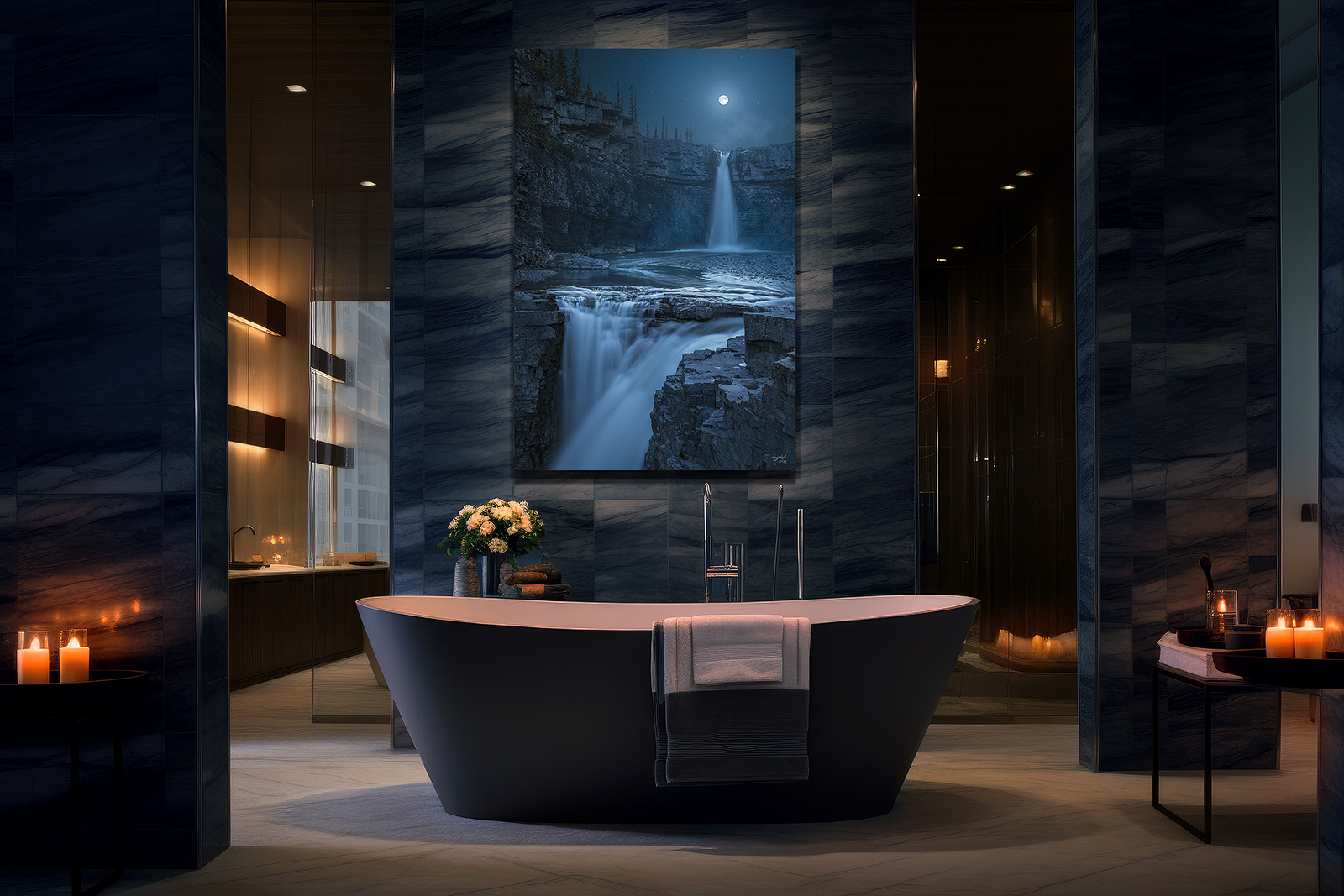
PureRAW ensures your large photo prints maintain sharpness, tonal accuracy, and smooth gradients. That means your images not only look clean on screen, but they hold up as fine art prints, gallery displays, or large wall installations.
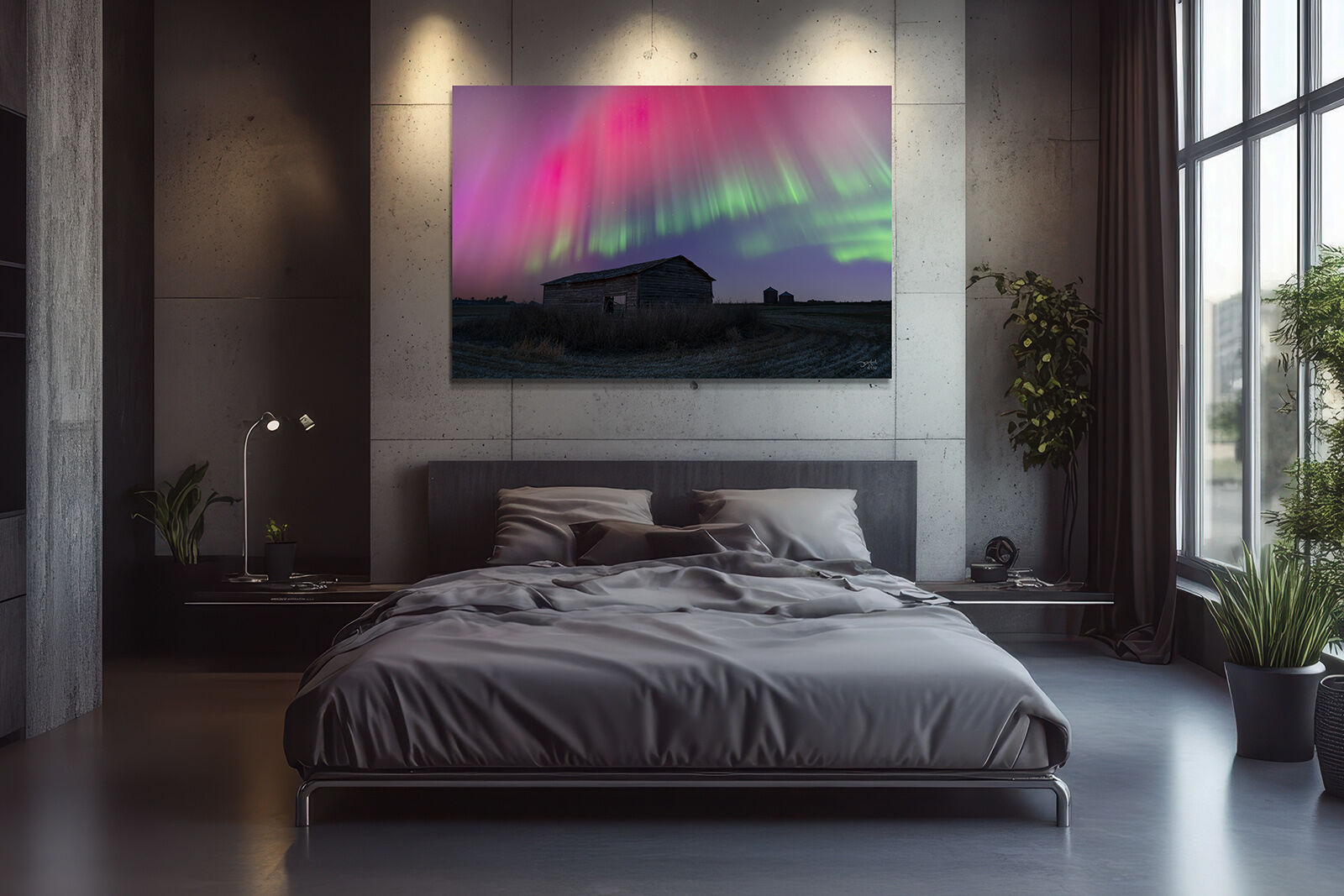
Clean files also give you more creative freedom in post-processing. You can push shadows, enhance colours, or increase contrast without amplifying noise — allowing for bolder, more artistic edits without technical compromise.
Real World Examples: How Photographers Benefit
The advantages of DxO PureRAW 5 become obvious in challenging shooting situations:
- Landscape Photography – Clean up shadow detail in pre-dawn or twilight shots.
- Astro & Night Photography – Retain pinpoint star detail and minimize noise in aurora or Milky Way photos.
- Wildlife Photography – Preserve feather and fur textures even at high ISOs needed for fast action.
- Wedding & Event Photography – Capture low-light moments without muddy shadows.
- Drone Photography – Compensate for smaller sensors that typically struggle with noise.

In each case, PureRAW allows photographers to print larger, sharper images that maintain professional quality.
Seamless Workflow Integration
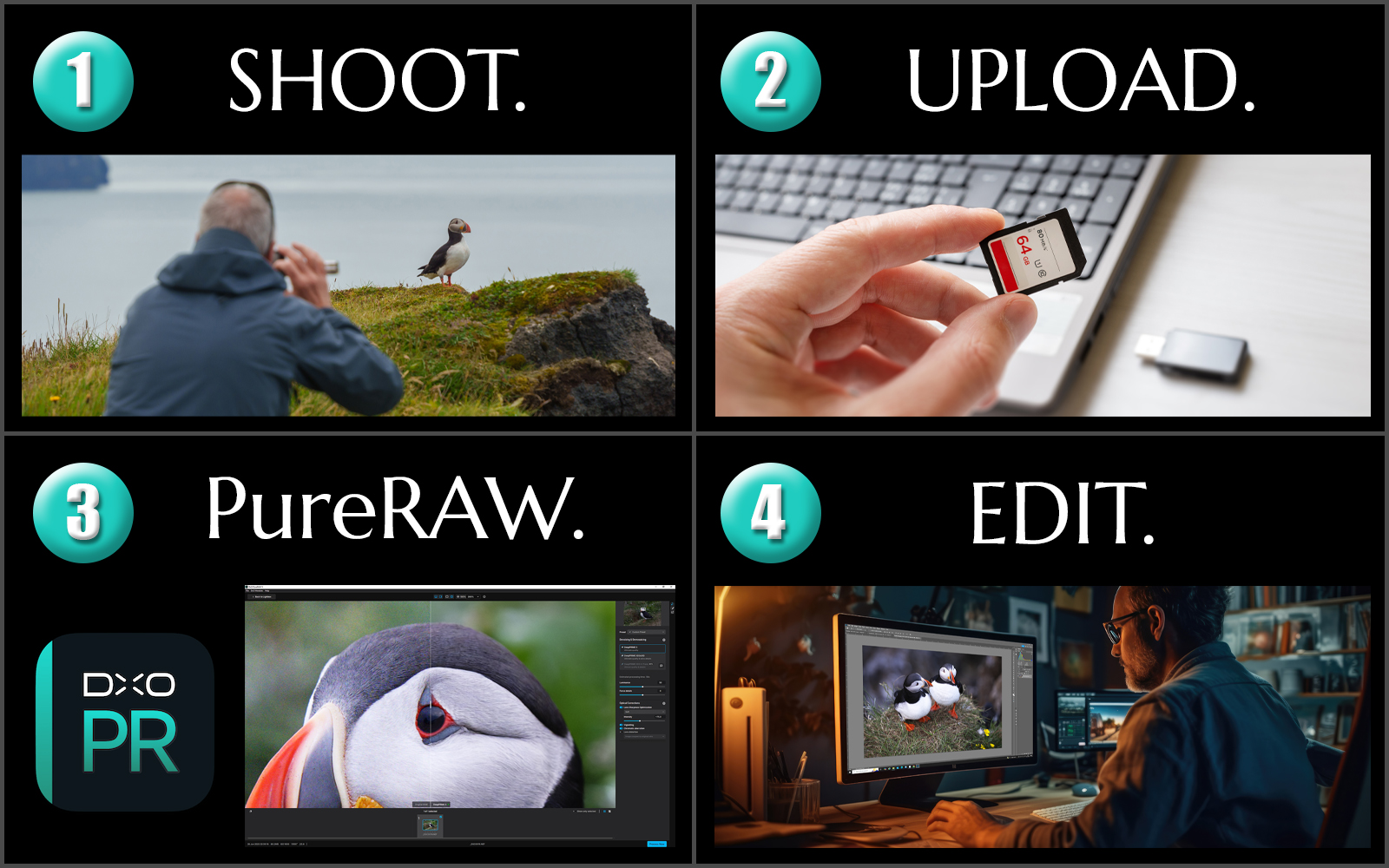
One of the best things about PureRAW is how easily it fits into your workflow. You can use it as a standalone program or as a Lightroom plug-in. Simply drop in your RAW files, let PureRAW process them, and re-import the cleaned DNG files for editing.
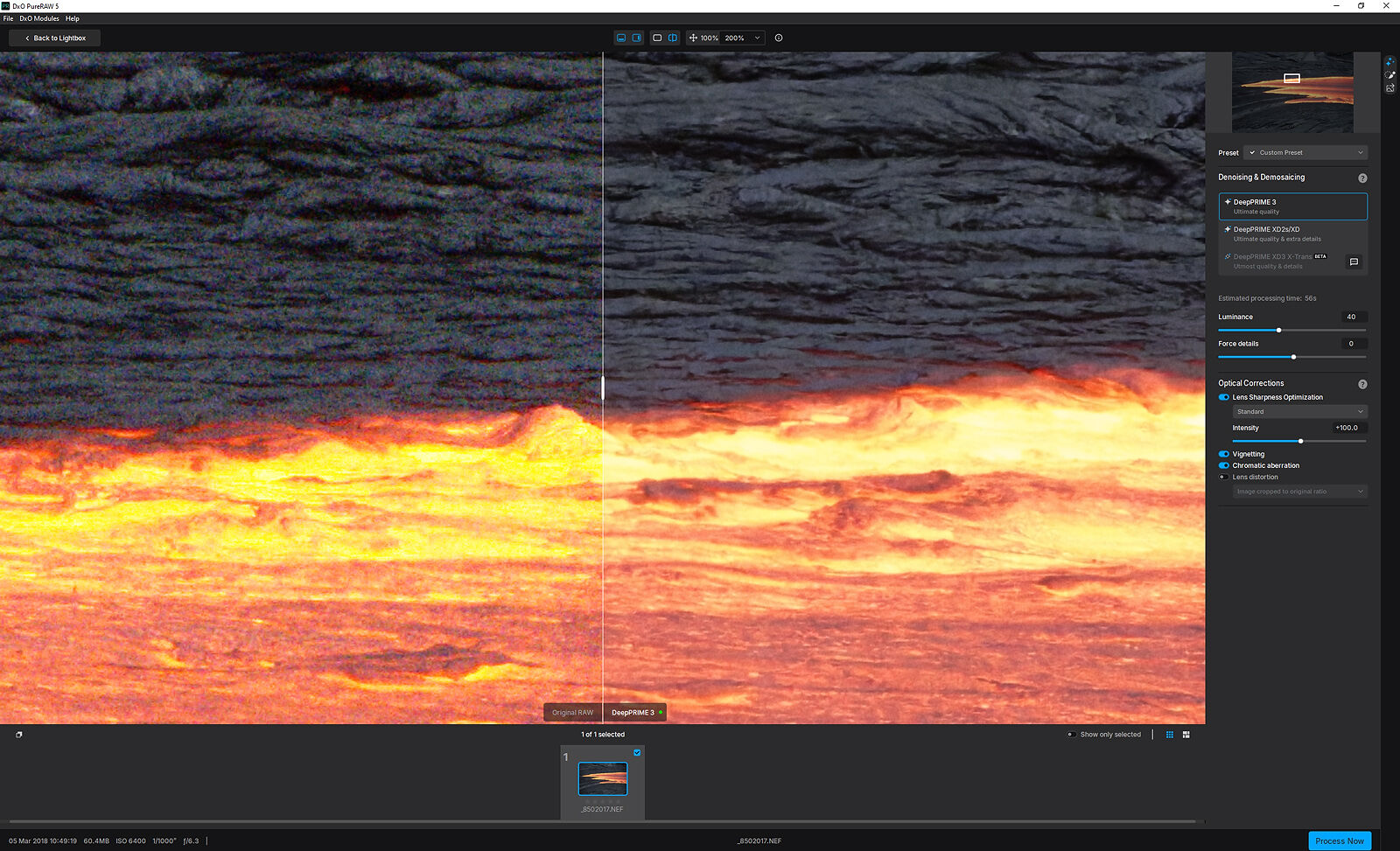
The interface is straightforward, with before/after previews, sliders for luminance and detail control, and advanced optical correction settings. Batch processing makes it efficient for photographers managing large volumes of files.
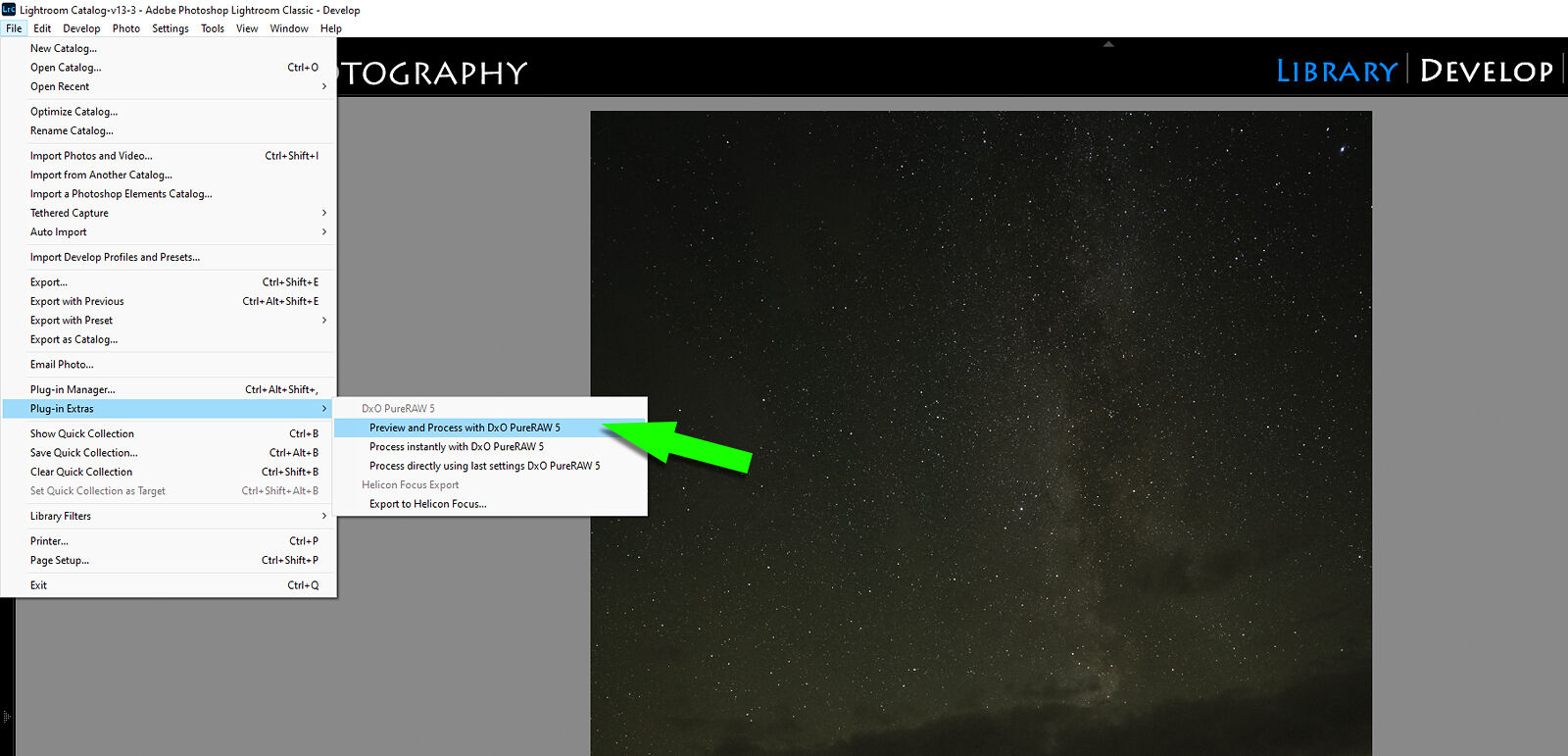
For my own work, I use PureRAW directly from Lightroom (File > Plug-in Extras > Process with DxO PureRAW 5). It runs quietly in the background, delivering ready-to-edit, noise-free files.
Revisiting Old Image Files
One of the unexpected joys of using PureRAW was going back to older images. Files I shot years ago at ISO 6400 — which I once considered too noisy for larger prints — became usable again after processing.
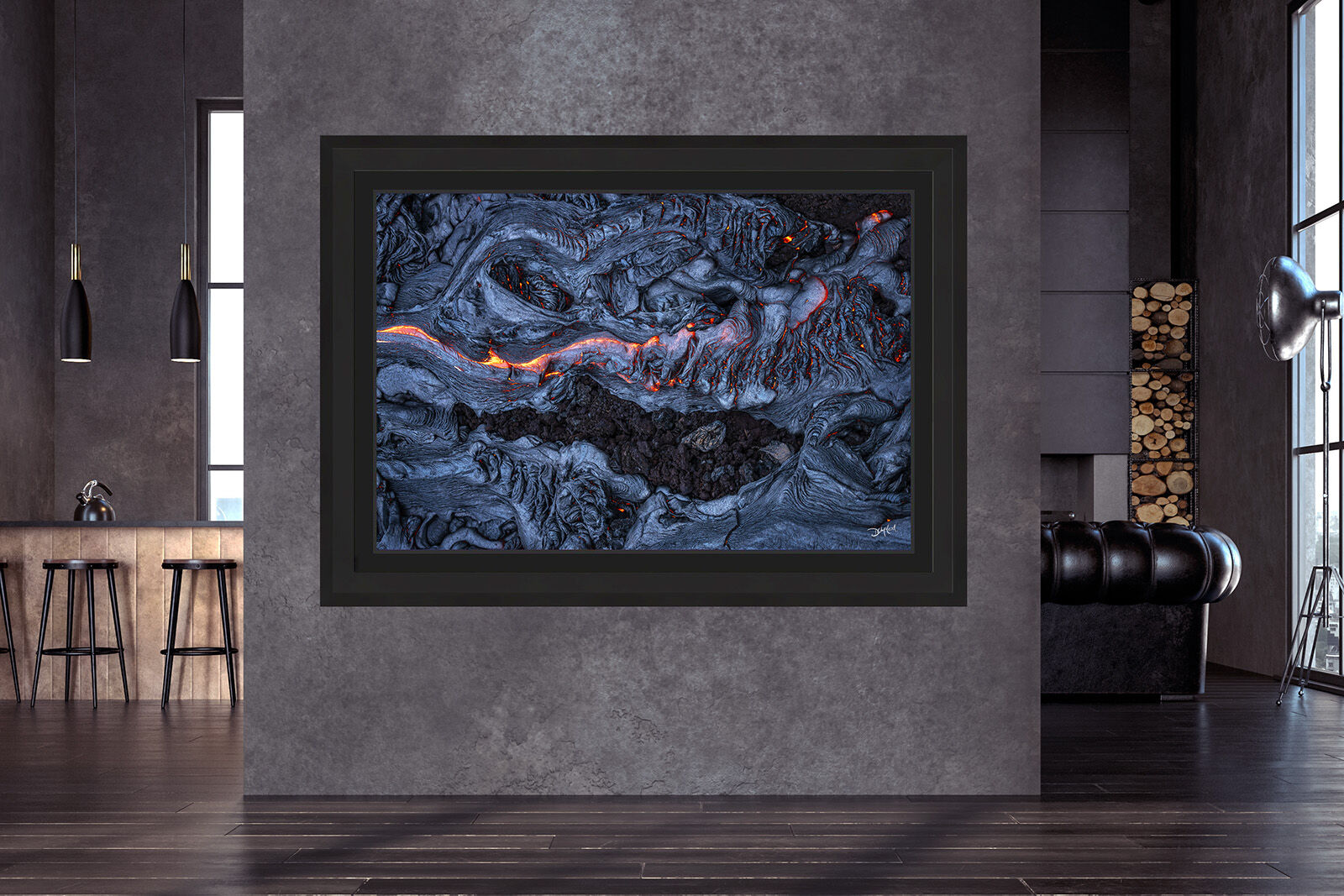
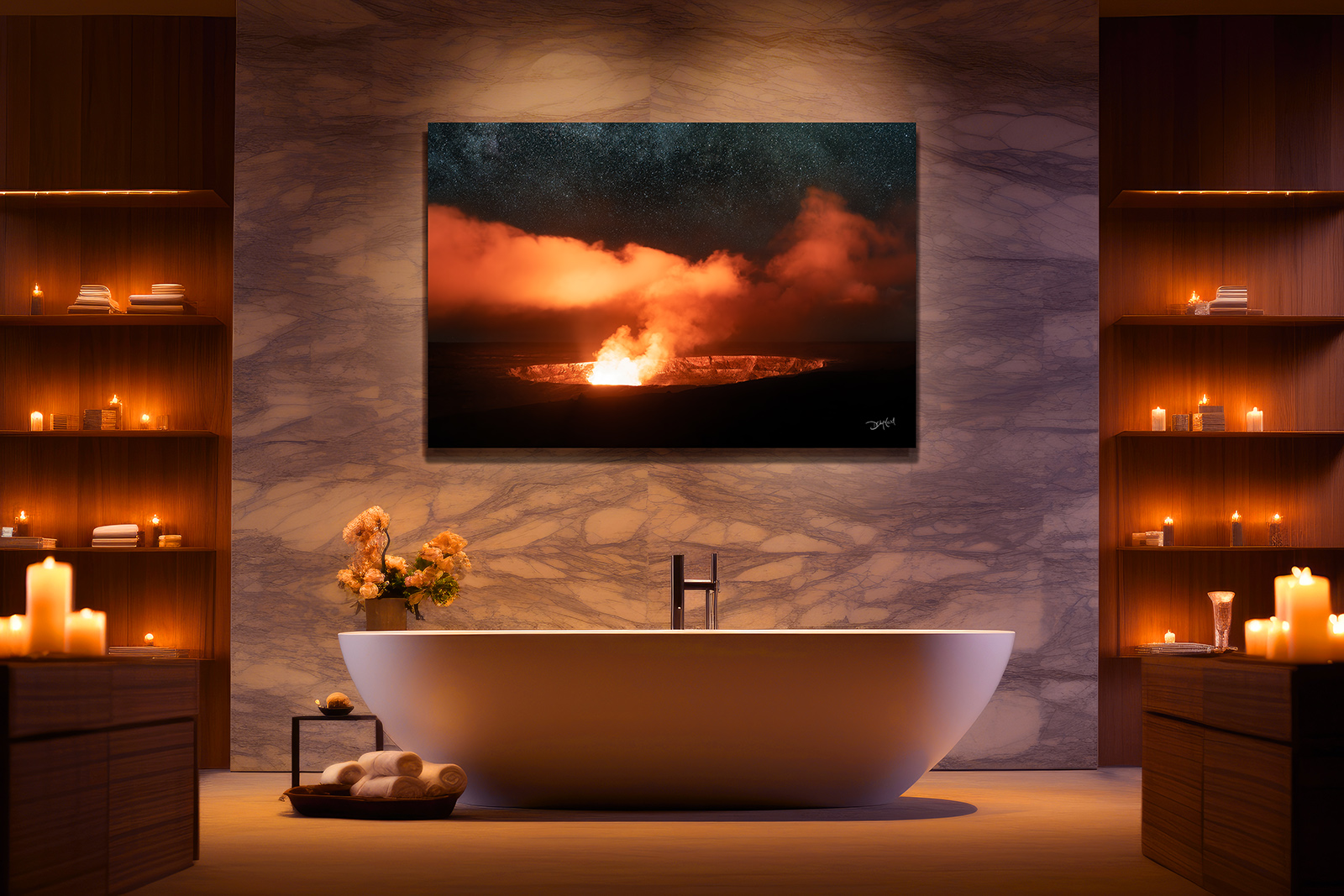
For example, my 2018 lava shots from Hawaii were transformed into large-format prints with stunning clarity after PureRAW reprocessed the RAW files. The same was true for this panorama (below) from Iceland, where previously noisy files became smooth and clean.

My desired shutter speed for water texture necessitated a higher ISO, which resulted in some digital noise. The multiple RAW files for this multi-row focus-stacked panorama were easily corrected with PureRAW 5 before I began stitching and editing.
The resulting master file is 14,740 pixels wide with pure, clean clarity throughout the land, and flawless tonal transitions in the sky that can be printed at sizes previously thought impossible in years past.
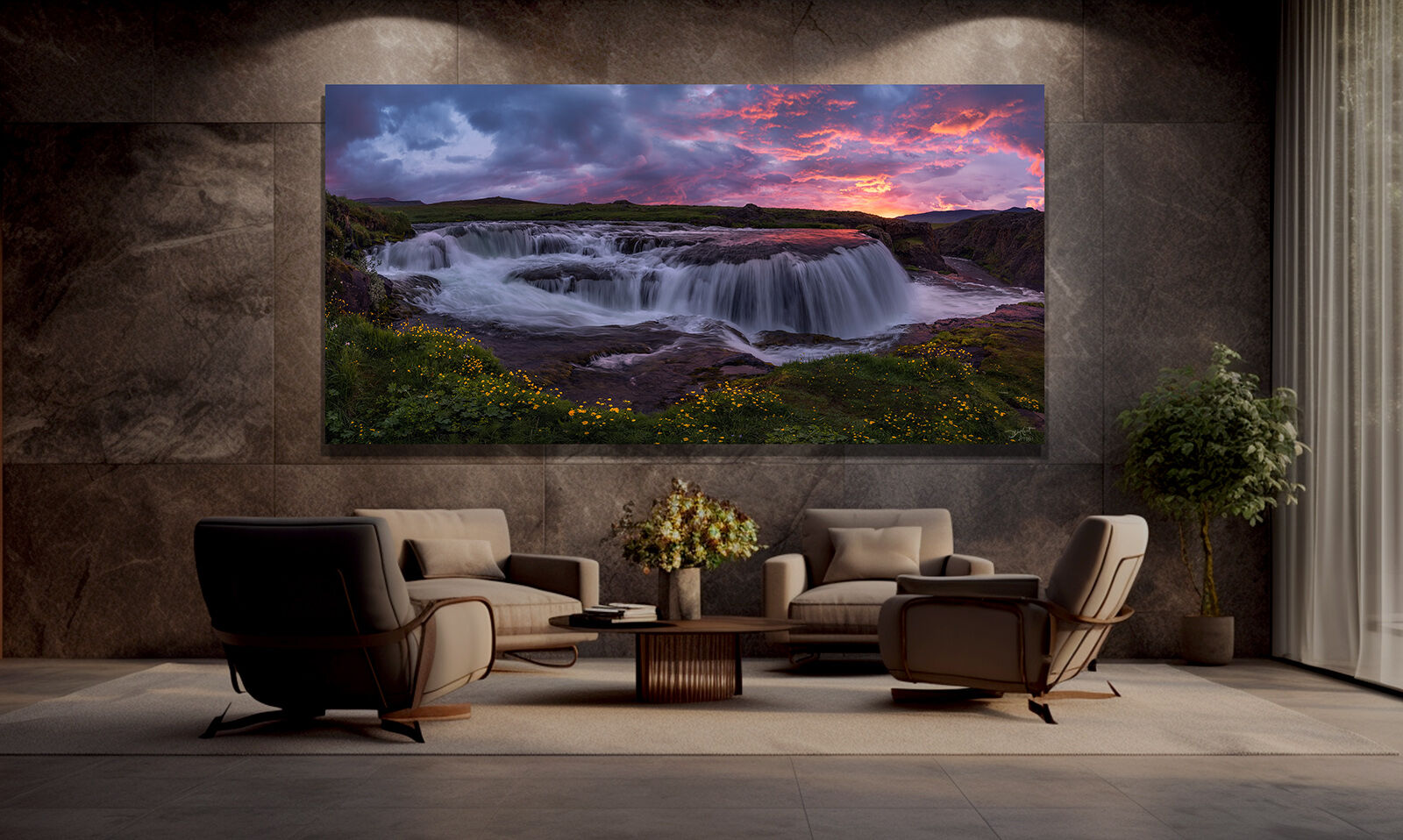
With PureRAW, I’ve been able to breathe new life into my archive and create prints at sizes I once thought impossible.
Seeing the Difference: Before and After
The impact of PureRAW is best appreciated in side-by-side comparisons. Skies look smoother, shadows reveal more usable detail, and textures remain intact. Drone images, night skies, and high-ISO files all show dramatic improvement.
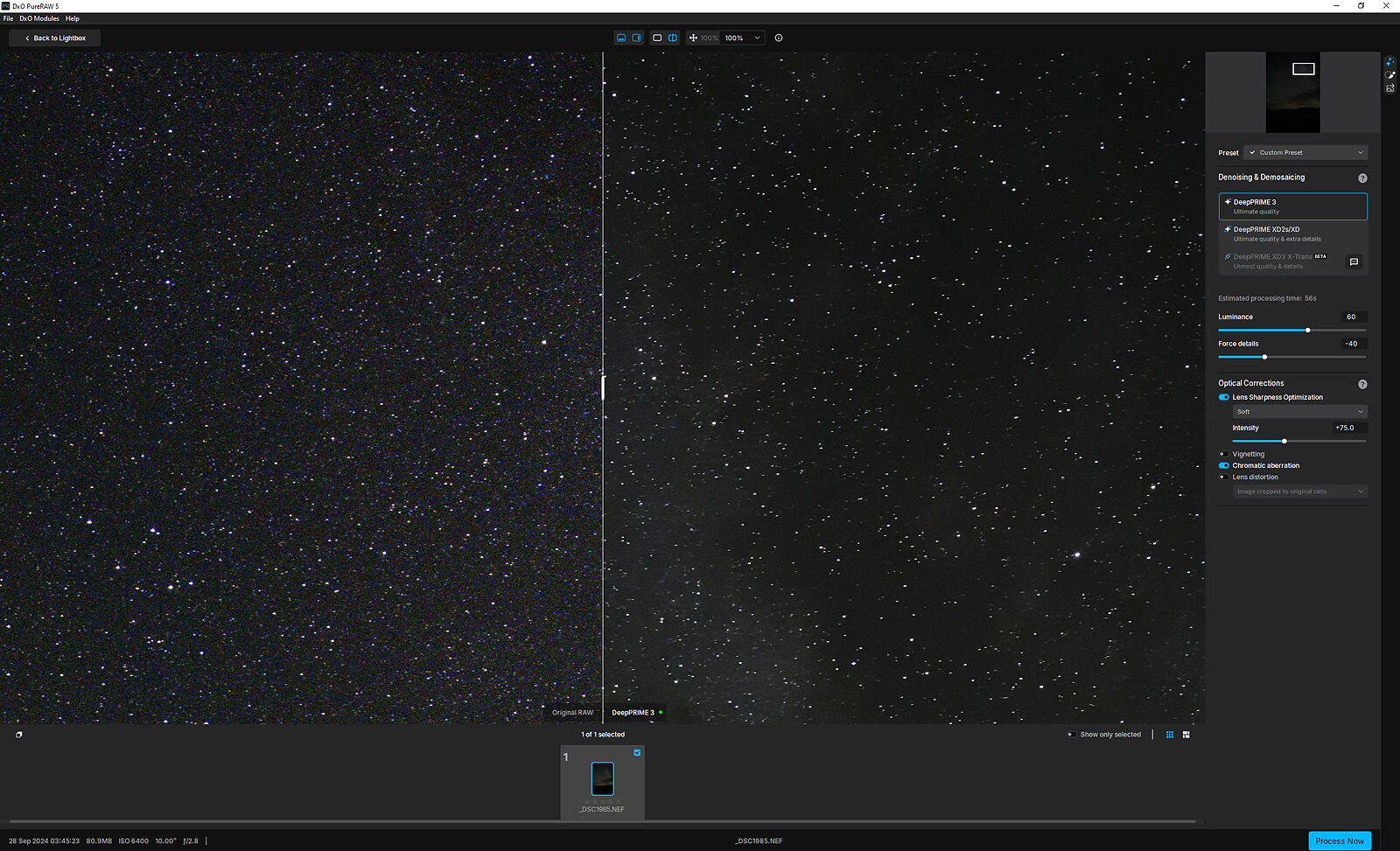
This night sky (above) was filled with digital grain and colour noise, which was almost completely eliminated after careful adjustment of the buttons and sliders.
This file taken from a larger panorama (below) was shot with my DJI Mavic 2 Pro drone in low light at its lowest ISO of 100. When I brightened the image, the noise quickly became unbearable.
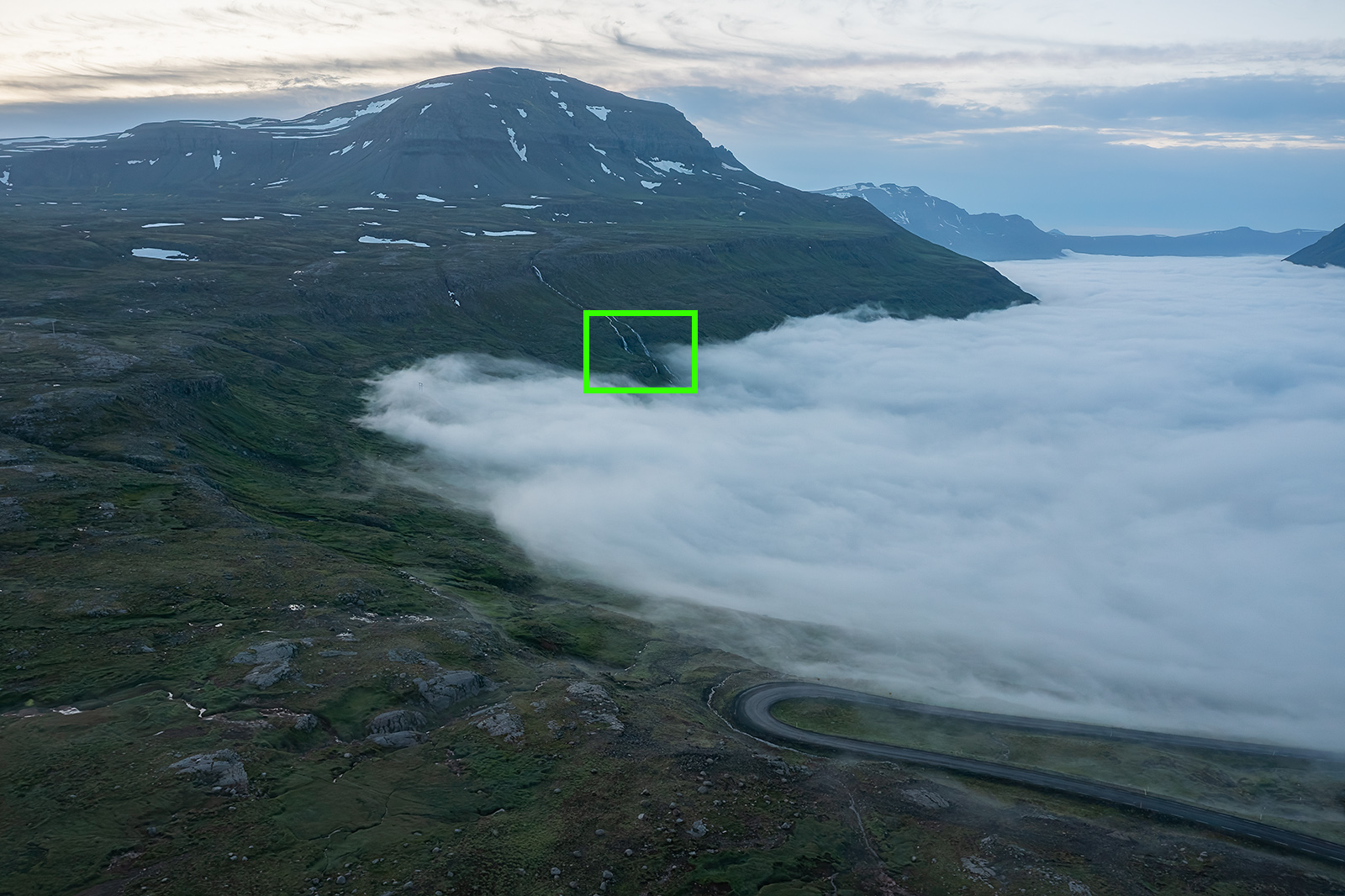
But a quick process through PureRAW does wonders for drone shots. The green square on the image (above) shows a portion of the image zoomed in at 400%. The image below shows the before and after results of the same area with DxO's noise reduction.
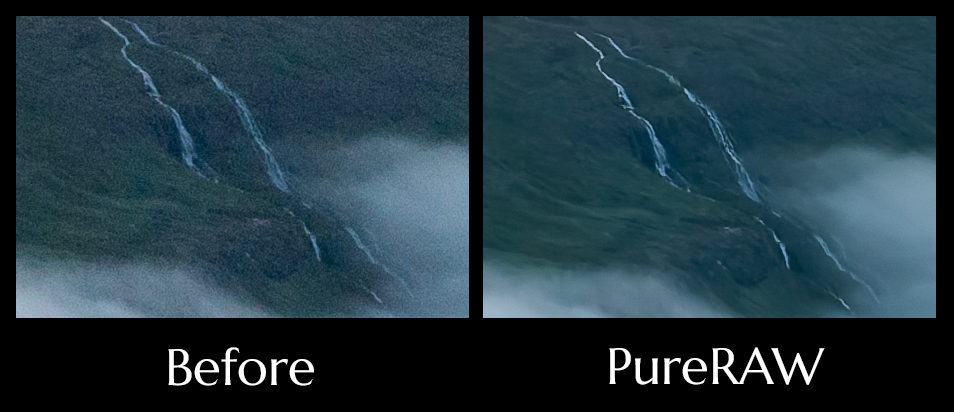
Instead of distracting grain, you’re left with a clean, natural-looking file that holds up under close inspection — exactly what’s required for professional-level printing.
Final Thoughts: Is DxO PureRAW 5 Worth It?
Photography is both art and craft, and the tools we use make a difference. DxO PureRAW 5 isn’t just another editing program — it’s an investment in image quality.
If your goal is to sell fine art prints, wall art, or participate in gallery exhibitions, PureRAW gives you the confidence that your files can withstand enlargement without losing detail or looking unprofessional.
For me, it has become the very first step in my workflow. Clean, detailed files not only make editing easier, they ensure the final print matches the vision I had when I pressed the shutter.
FAQ: DxO PureRAW 5
Is DxO PureRAW 5 worth it for photographers?
Yes — if you care about producing clean, detailed images that hold up in large prints, PureRAW 5 is one of the best software tools available in 2025.
Does DxO PureRAW work with Lightroom?
Yes, PureRAW integrates seamlessly as a Lightroom plug-in, or you can use it as a standalone program and re-import processed DNG files.
What’s new in DxO PureRAW 5 compared to version 4?
The latest version includes DeepPRIME 3, DxO’s most advanced AI engine, improved lens sharpness optimization, and a more streamlined Lightbox interface.
Is DxO PureRAW the best noise reduction software for large prints?
In my experience, yes. While other programs exist, PureRAW’s RAW-level processing and optical corrections make it uniquely suited for preparing images for gallery-quality prints.
